
Review the workflow gap
The first step is understanding what the current WordPress setup cannot handle well and why an existing plugin stack is not the right fit.
WordPress Plugin Development
Custom WordPress plugin development for businesses that need specific admin behaviour, workflow automation, or features that existing plugins do not handle well.
This service is for cases where the right answer is a focused plugin, not another page-builder add-on or plugin bundle. The work centres on admin usability, extension safety, business rules, and how the plugin fits into the wider WordPress setup.

Expected outcomes
Custom plugin logic that fits your workflow
Cleaner admin experience with less plugin bloat
Better control over future WordPress features

Extension Planning
The plugin is shaped around what the business actually needs to do, not around a generic feature checklist.
The first step is understanding what the current WordPress setup cannot handle well and why an existing plugin stack is not the right fit.
Admin actions, data structure, permissions, and integration needs are planned so the plugin stays focused and useful.
The interface and behaviour are designed around what editors or admins need to do without unnecessary complexity.
The plugin is developed to fit the exact workflow instead of reproducing features that already create clutter.
Important actions are checked inside WordPress so the plugin feels predictable and safe for daily use.
The final setup supports cleaner long-term maintenance and a clearer path for future enhancements.
Workflow Benefits
When the extension is planned around the real workflow, the result is usually lighter, clearer, and easier to trust than stacking generic plugins together.
The plugin can match your workflow instead of forcing your workflow to adapt to a generic interface.
You avoid adding several plugins just to approximate behaviour that one focused custom extension can handle more cleanly.
The people operating the system get a workflow that feels clearer and more relevant to what they need to do.
APIs, webhooks, payments, and custom data handling can be implemented with stronger control inside the plugin logic.
Custom functionality lives in a codebase that is clearly tied to your business need instead of hiding inside unrelated third-party behaviour.
If the workflow grows, the plugin can be extended more intentionally than a patchwork plugin stack usually allows.
Extension Stack
The implementation depends on the platform, the workflow, and whether the extension needs backend logic, admin UX, API connections, or operational reporting.
WordPress
PHP
JavaScript
REST API
Node.js
Google Sheets
Razorpay
Database

Strategic case studies
Anonymous case studies that show the systems, workflows, and full-stack implementation thinking behind real project work.
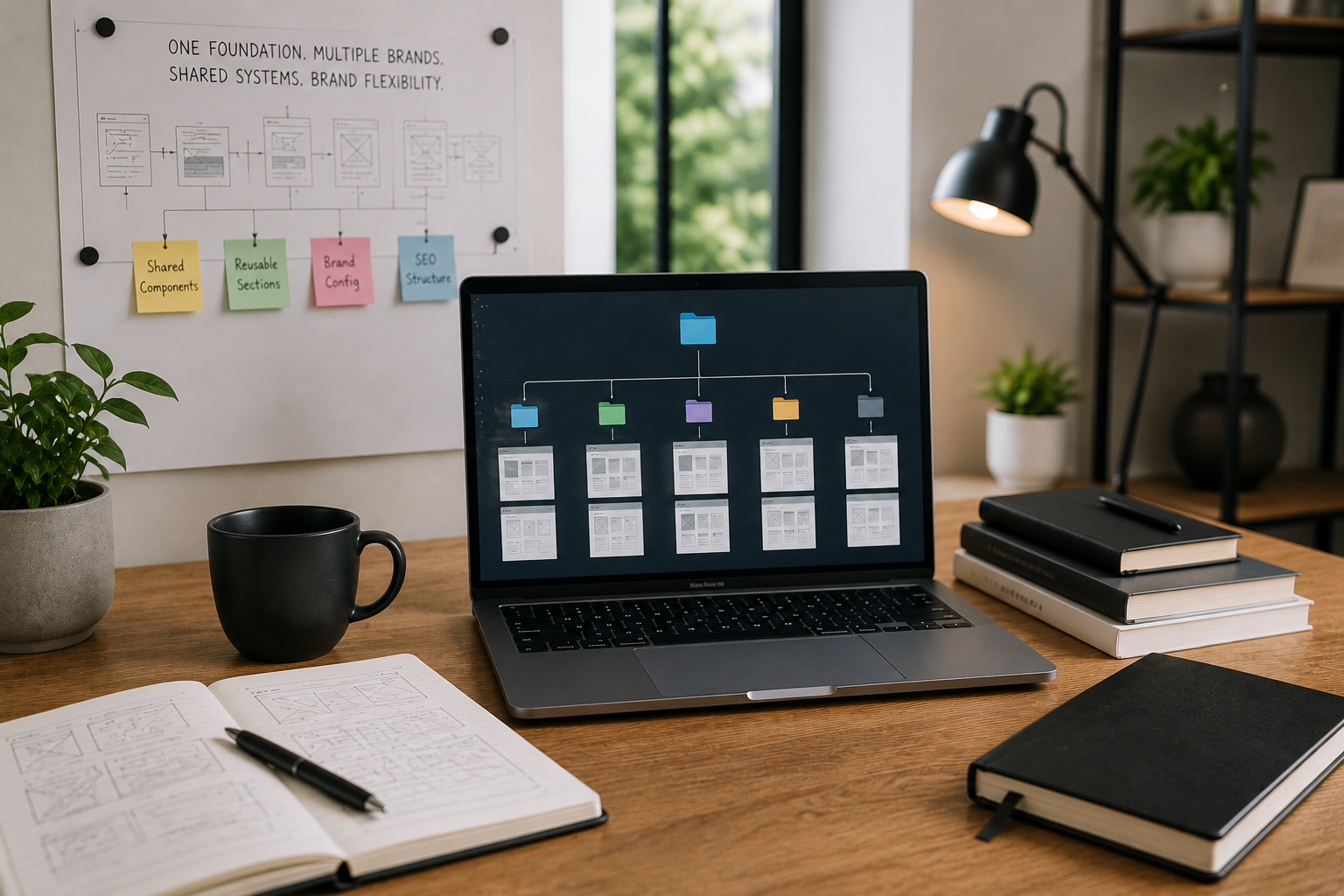
Multi-Brand Business Operations
A reusable frontend foundation reduced repeated build work while keeping each brand experience flexib

Finance & Billing Software
A connected billing platform made finance activity easier to track, review, and manage. Built with
View Case Study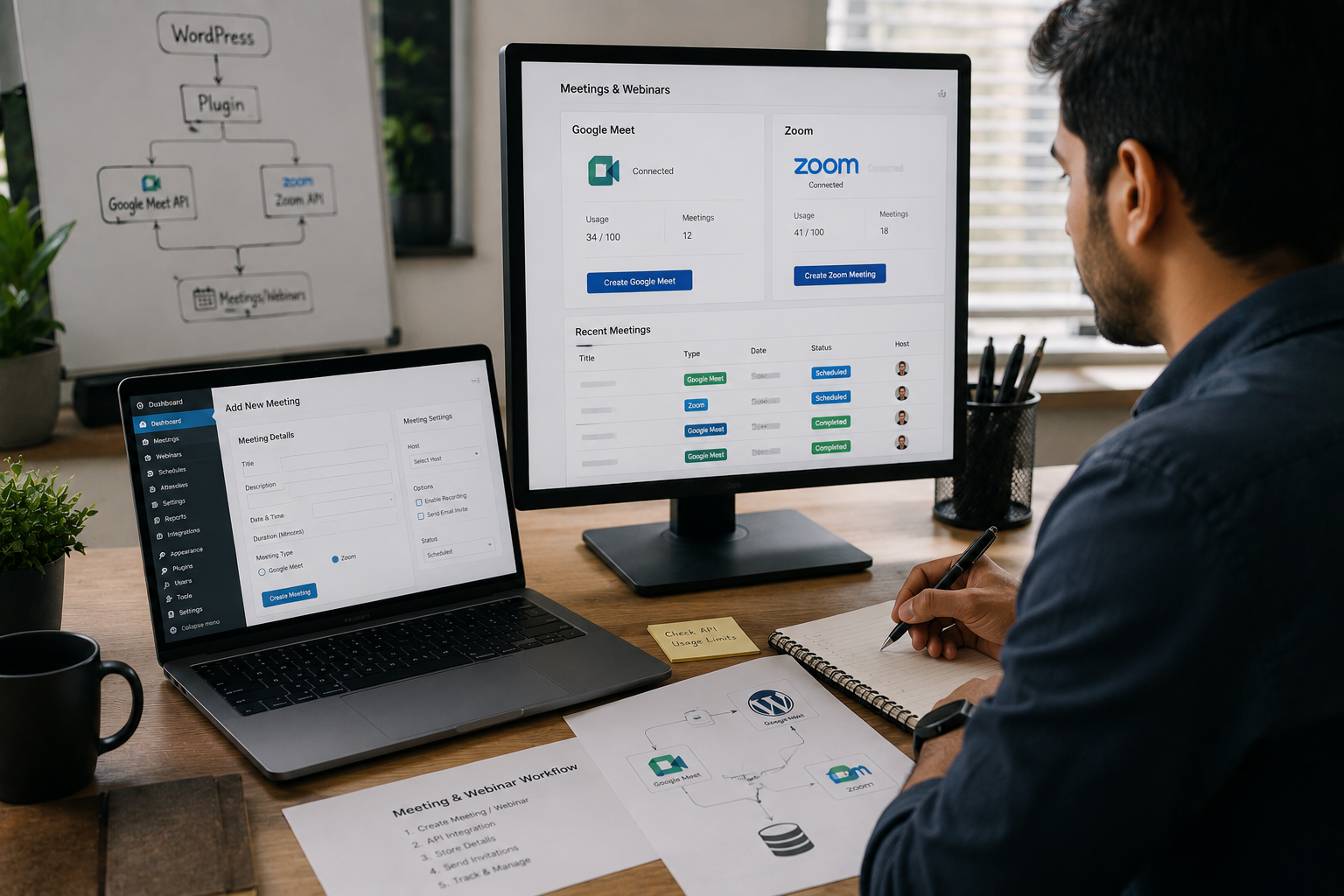
Online Education & Events
A custom plugin reduced repeated meeting setup and gave the team a cleaner webinar workflow. Built with
View Case Study
SEO & Content Intelligence
A focused ML workflow made keyword opportunities easier to compare and act on. Built with Python, Streamlit, T
View Case StudyInsights & Blogs
Practical notes on development, CMS, SEO, automation, and product workflows.

Your website looks stunning, but is it converting visitors into leads? Learn the critical design, UX, and technical SEO mistakes that silently hurt your business's revenue and trust.
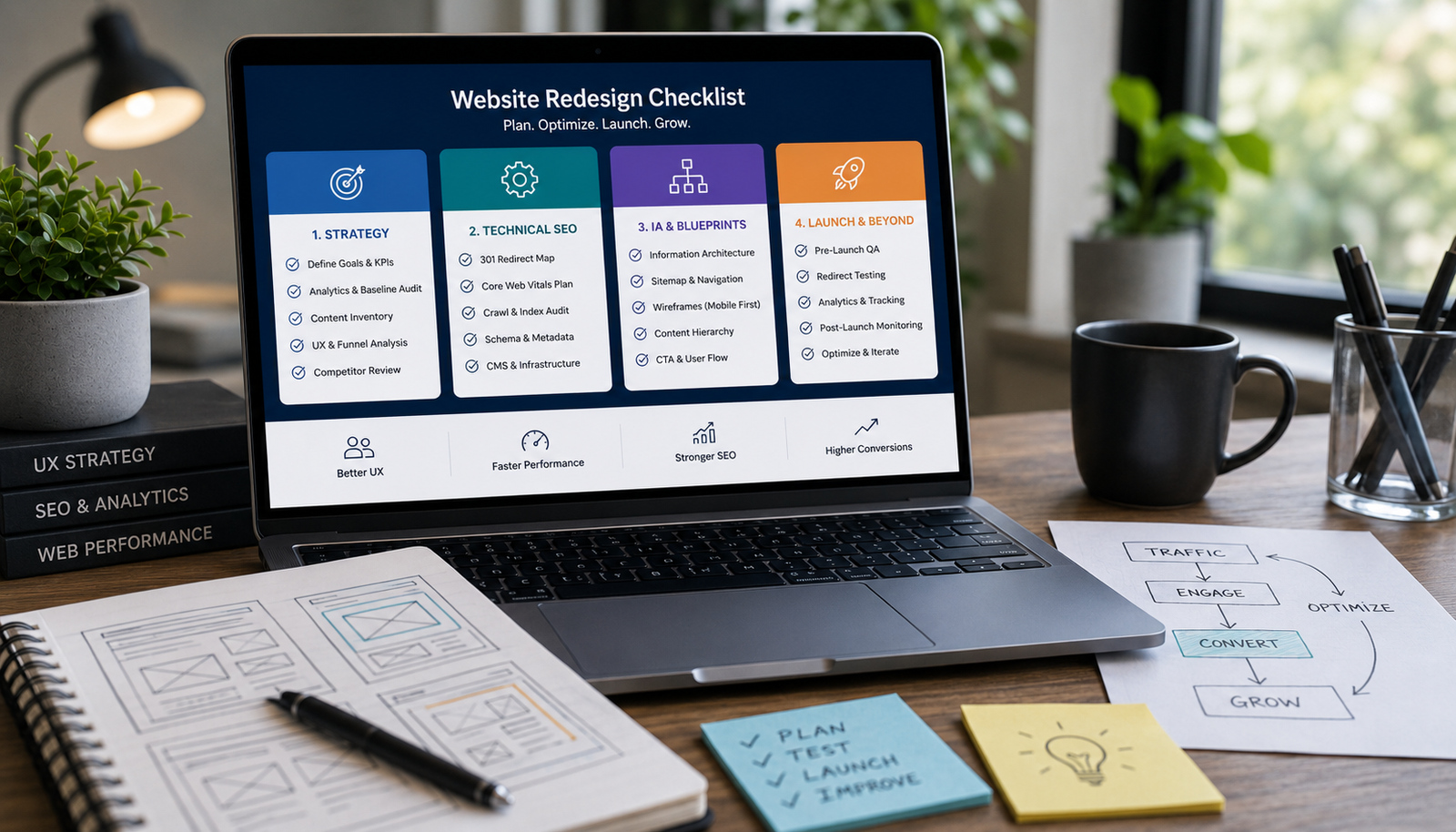
Avoid costly, risky redesigns. Use this essential 4-phase checklist covering strategic content audits, technical SEO migration, performance benchmarking, and wireframing before touching the UI.

Learn the practical steps to design a service website that looks high-end and trustworthy. Focus on strategic whitespace, clear messaging, structured layout, and conversion-focused trust signals.
FAQ
Clear answers before we start, so you can understand how the work is planned, built, and launched.
WordPress is the most common use case in my current project work, but the same extension thinking can apply to custom platforms and internal systems where workflow-specific functionality is needed.
Yes, if the current plugin architecture is stable enough to extend responsibly. If it is too messy or risky, I will say so and suggest a cleaner path.
Yes. Many plugin projects involve APIs, payment systems, sync workflows, or webhook logic that sits behind the admin experience.
Yes. The admin experience matters because the plugin is usually being used by someone trying to complete an operational task, not by someone exploring technical settings.
Yes. The plugin is built for your workflow and the final code should be treated as part of your business system, not a vague rented feature.
