
Review the workflow and roles
The users, tasks, permissions, and operational decisions behind the dashboard are defined before the interface is shaped.
SaaS / Dashboard Development
Custom dashboard and SaaS interface development for teams that need clearer data views, role-based workflows, and product screens that feel easier to use.
This service fits internal systems, admin panels, client portals, and product dashboards where usability matters as much as the data itself. The work focuses on screen hierarchy, states, tables, forms, filters, permissions, and the actions users need to take with confidence.

Expected outcomes
Clearer dashboard workflows for users and teams
Better structure for data-heavy interfaces
A stronger SaaS foundation for future features

Product Planning
The interface is planned around how users read information, what they need to act on, and how the product should scale over time.
The users, tasks, permissions, and operational decisions behind the dashboard are defined before the interface is shaped.
Tables, filters, forms, charts, and action flows are organised around what users need to see and do most often.
States, components, and interaction rules are planned so the product can grow without every screen becoming custom work.
The dashboard or SaaS interface is developed with attention to hierarchy, clarity, and connected product behaviour.
Role-based actions, edge cases, and high-value workflows are checked so the product is easier to trust in daily use.
The final structure supports cleaner feature expansion, better handover, and a product base that is easier to improve later.
Product Benefits
The value is not only in the visuals. It is in making information, actions, and workflow states easier to understand and use every day.
Users can understand status, progress, and important metrics more quickly when the interface hierarchy is designed properly.
Different users can get the right level of visibility and action access without the product feeling overloaded.
The product becomes easier to extend because tables, forms, cards, and workflows are not reinvented on every screen.
The interface helps users understand what matters and what to do next instead of only displaying data.
When the frontend and backend workflows align, the product becomes easier for teams to use and improve together.
The interface system can support more features, more screens, and more users without losing coherence.
Product Stack
The stack depends on data complexity, access control, analytics needs, and how much product behaviour the interface needs to support.
React
Next.js
TypeScript
Tailwind CSS
Node.js
Supabase
Prisma
Analytics

Strategic case studies
Anonymous case studies that show the systems, workflows, and full-stack implementation thinking behind real project work.
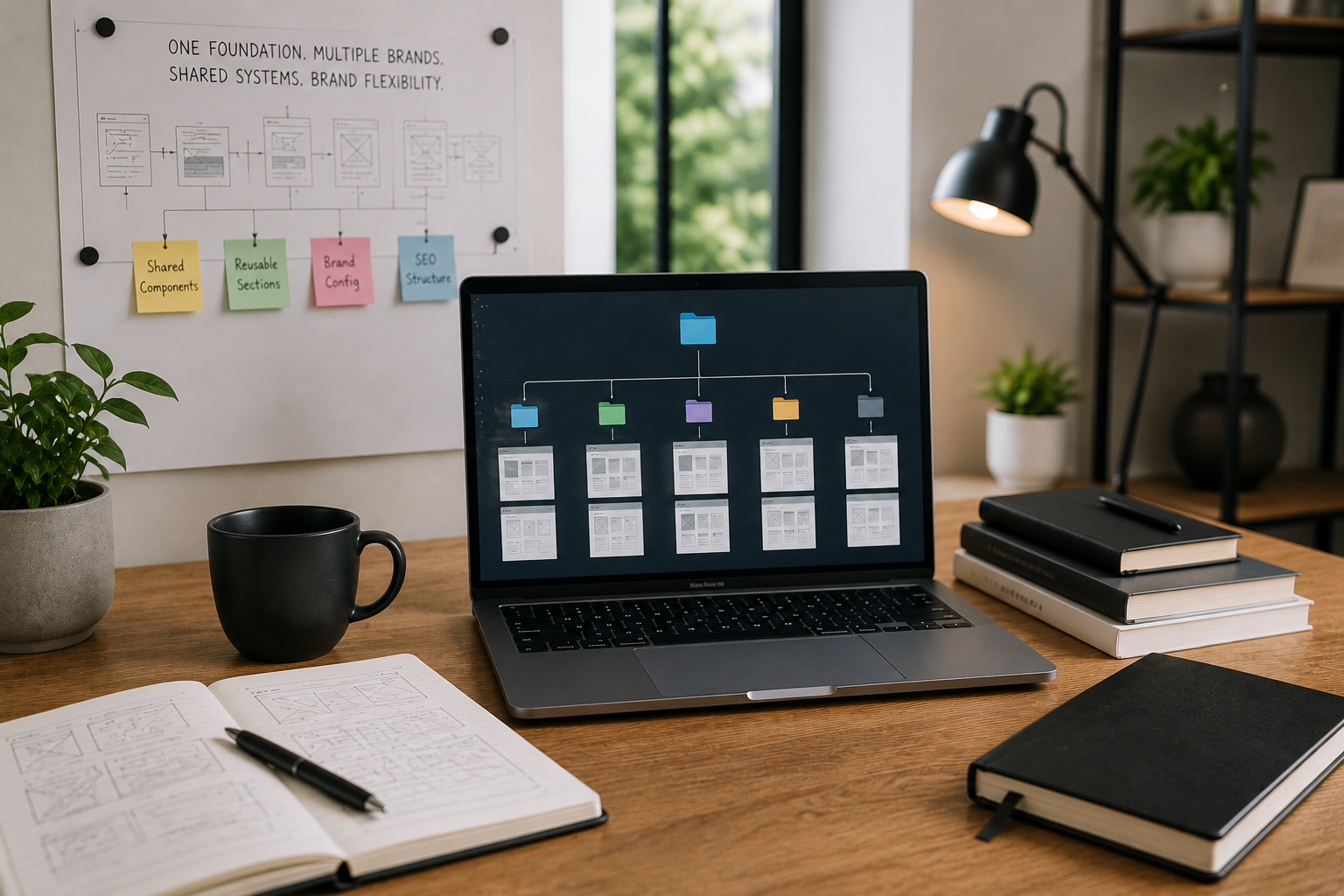
Multi-Brand Business Operations
A reusable frontend foundation reduced repeated build work while keeping each brand experience flexib

Finance & Billing Software
A connected billing platform made finance activity easier to track, review, and manage. Built with
View Case Study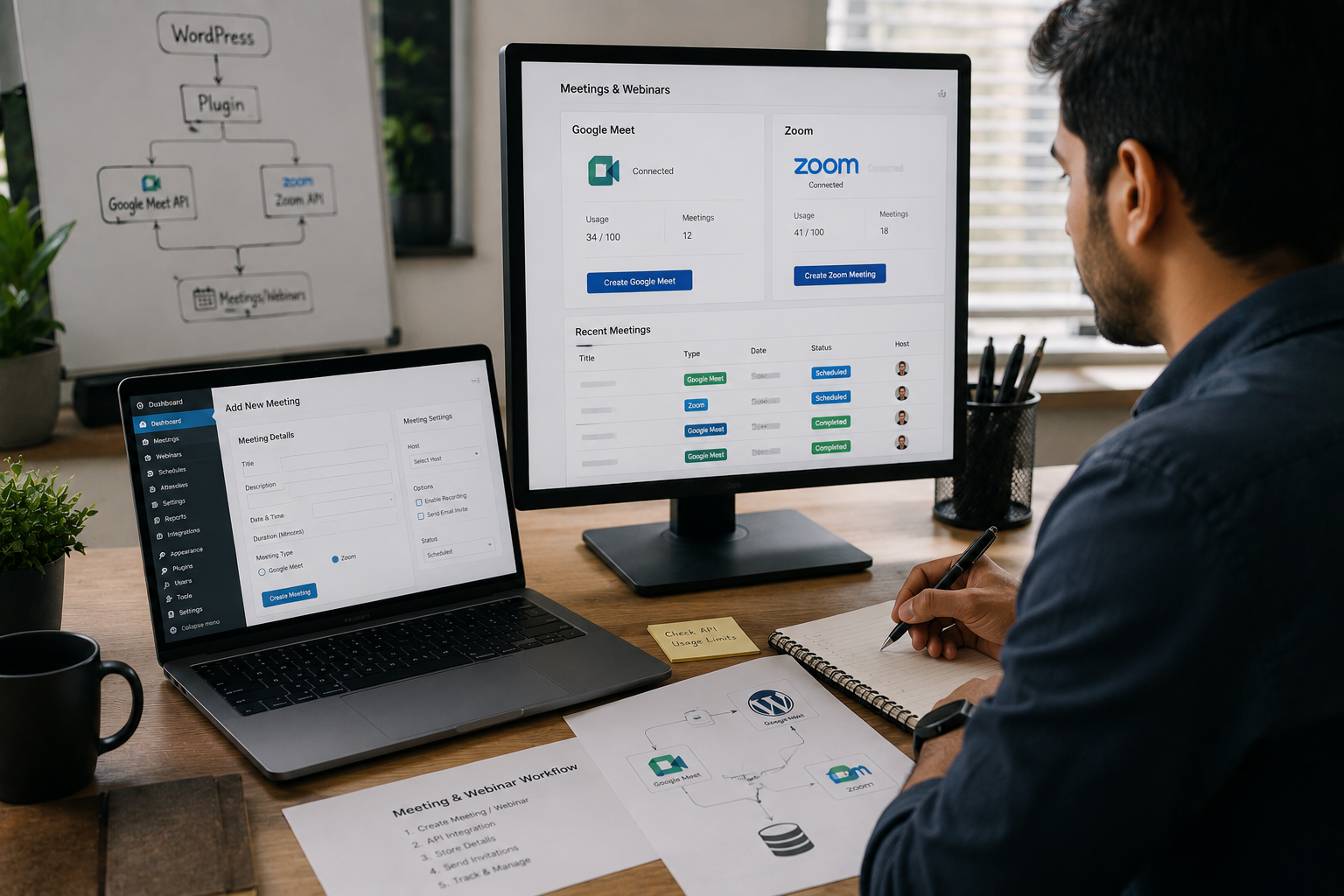
Online Education & Events
A custom plugin reduced repeated meeting setup and gave the team a cleaner webinar workflow. Built with
View Case Study
SEO & Content Intelligence
A focused ML workflow made keyword opportunities easier to compare and act on. Built with Python, Streamlit, T
View Case StudyInsights & Blogs
Practical notes on development, CMS, SEO, automation, and product workflows.
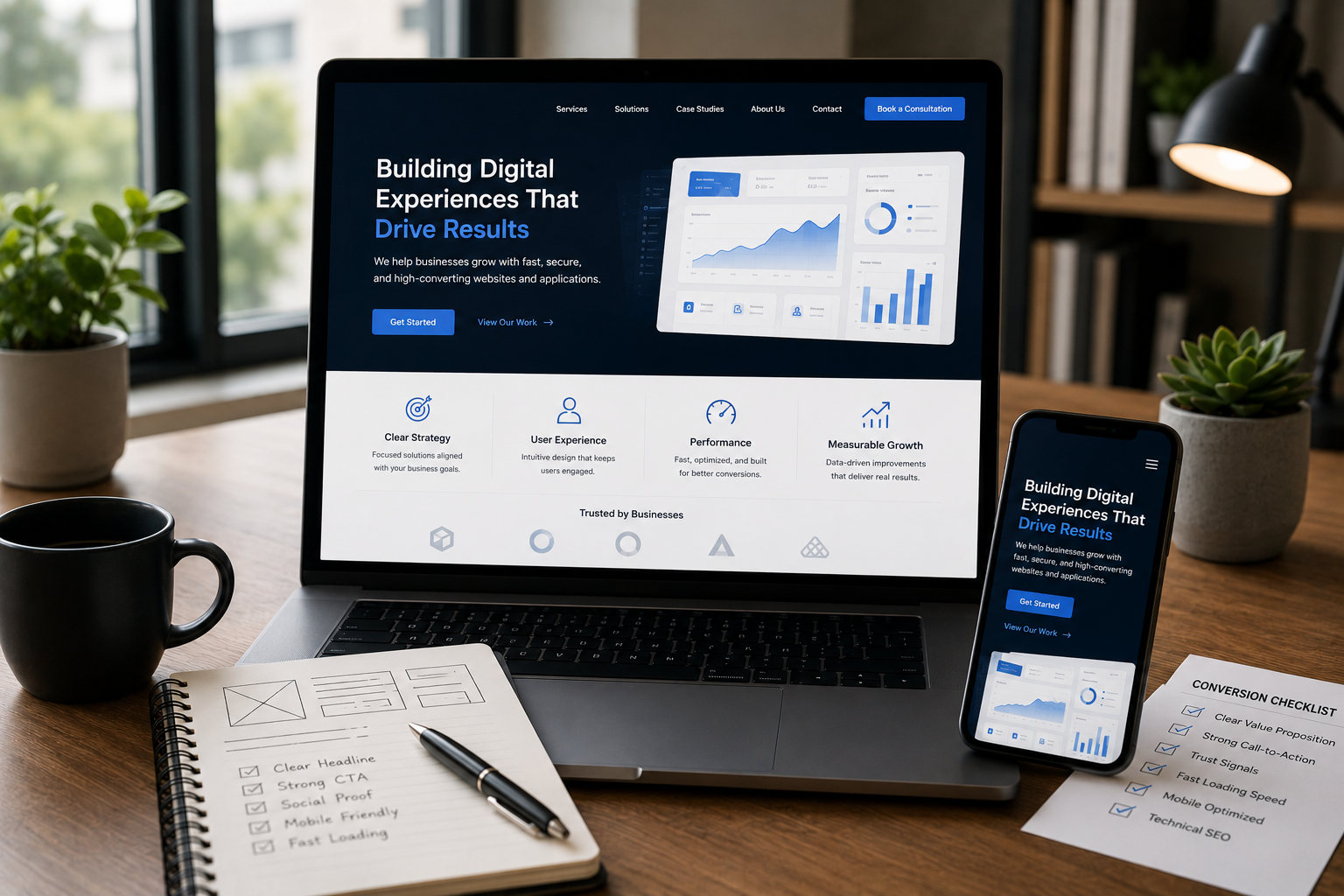
Your website looks stunning, but is it converting visitors into leads? Learn the critical design, UX, and technical SEO mistakes that silently hurt your business's revenue and trust.
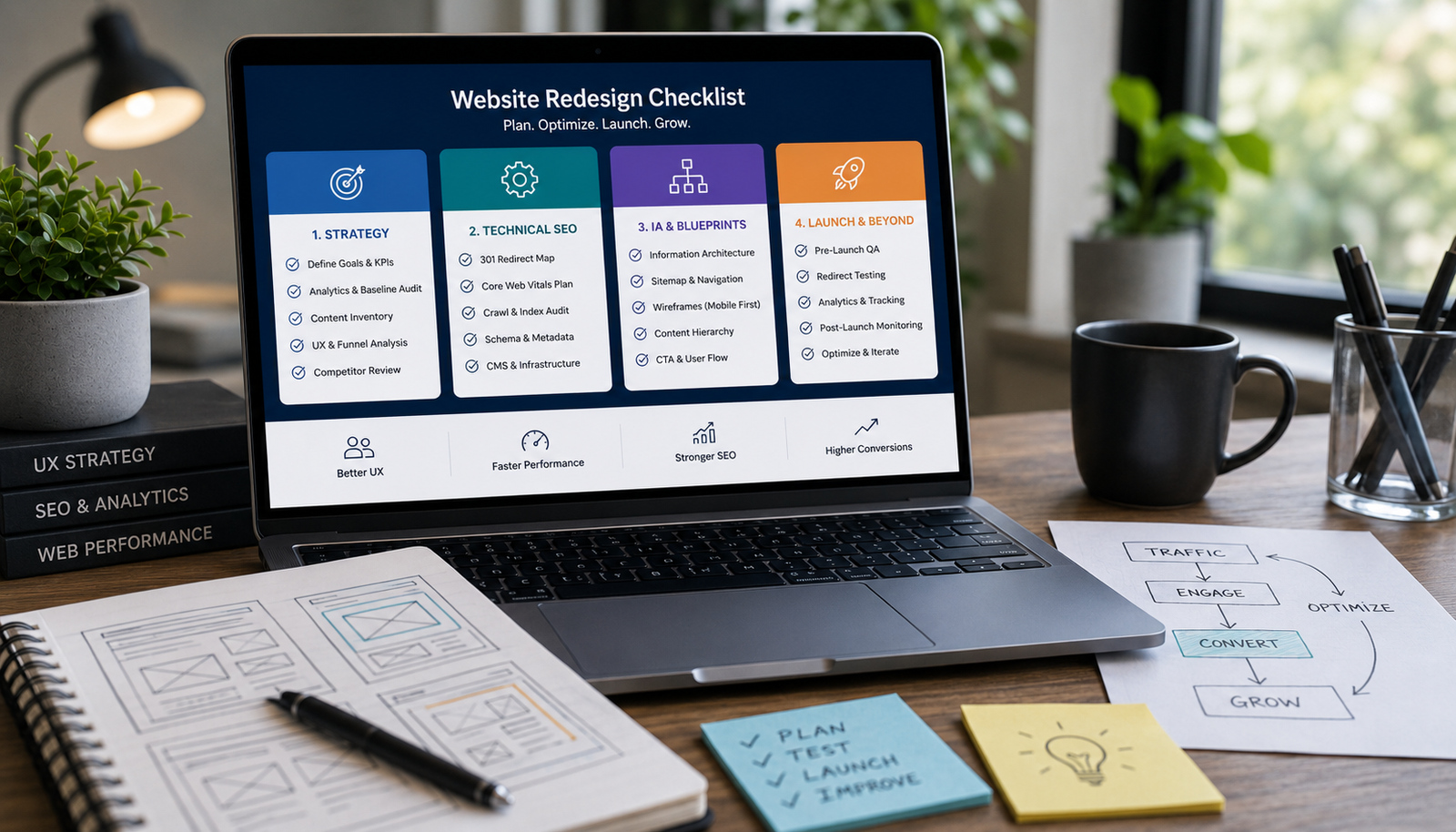
Avoid costly, risky redesigns. Use this essential 4-phase checklist covering strategic content audits, technical SEO migration, performance benchmarking, and wireframing before touching the UI.

Learn the practical steps to design a service website that looks high-end and trustworthy. Focus on strategic whitespace, clear messaging, structured layout, and conversion-focused trust signals.
FAQ
Clear answers before we start, so you can understand how the work is planned, built, and launched.
Yes. Both types benefit from better workflow clarity, stronger layout hierarchy, and a cleaner relationship between data and actions.
Yes. If the dashboard depends on APIs, auth, reporting logic, or data workflows, I can handle the supporting architecture too.
Yes. In many cases the biggest improvement comes from restructuring priorities, actions, and reusable patterns instead of replacing everything visually.
Where mobile support makes sense, yes. Some admin systems are primarily desktop-first, but the responsive behaviour is still planned with realistic usage in mind.
Yes. Role-aware UX and permissions are often a core part of dashboard or SaaS planning, especially when teams and clients use the same platform differently.
