
Review the publishing needs
The workflow starts with understanding who publishes content, how often it changes, and which content types the system must support.
CMS & Blog System Development
Freelance CMS and blog system development for businesses that publish regularly and need cleaner content structure, editor safety, and SEO-ready workflows.
This service focuses on content operations rather than just templates. It helps businesses plan content types, fields, publishing flows, blog architecture, and frontend rendering so the system stays usable for editors and scalable for future content.

Expected outcomes
Cleaner publishing workflows for your team
Better content structure for SEO and scale
Less dependence on developers for routine updates

Content Strategy
The content system is planned around how your team actually publishes, updates, and scales content over time.
The workflow starts with understanding who publishes content, how often it changes, and which content types the system must support.
Posts, taxonomies, custom fields, related content, and editorial rules are planned so the structure supports growth.
The frontend, templates, SEO output, and content relationships are shaped around how the content should be used in practice.
The publishing system and content rendering layer are implemented to keep editing safer and output more consistent.
Content entry, updates, and publishing checks are reviewed so the system feels easier for real editors to use.
The final system is handed over in a way that supports day-to-day publishing instead of creating more dependency.
Publishing Benefits
The publishing workflow should support consistency, SEO discipline, and easier content growth instead of slowing the team down.
Publishing becomes easier because the system reflects how the team actually writes, updates, and launches content.
Categories, metadata, URLs, and templates are shaped intentionally so the content stays organised as it grows.
The system supports metadata fields, content hierarchy, and indexable structure without forcing SEO work into manual hacks.
The right CMS setup reduces how often simple content changes need technical intervention.
The workflow stays more practical when the business wants to add new categories, case studies, or larger content volumes later.
The business gets a content system that can evolve without being trapped inside an unnecessarily heavy setup.
Content Stack
The CMS setup depends on how technical the team is, how often content changes, how much SEO control is needed, and how connected the publishing workflow should be.
WordPress
Google Sheets
Apps Script
Markdown
React Router
Vite
Sanity
Headless CMS

Strategic case studies
Anonymous case studies that show the systems, workflows, and full-stack implementation thinking behind real project work.
Multi-Brand Business Operations
A reusable frontend foundation reduced repeated build work while keeping each brand experience flexib


Finance & Billing Software
A connected billing platform made finance activity easier to track, review, and manage. Built with
View Case Study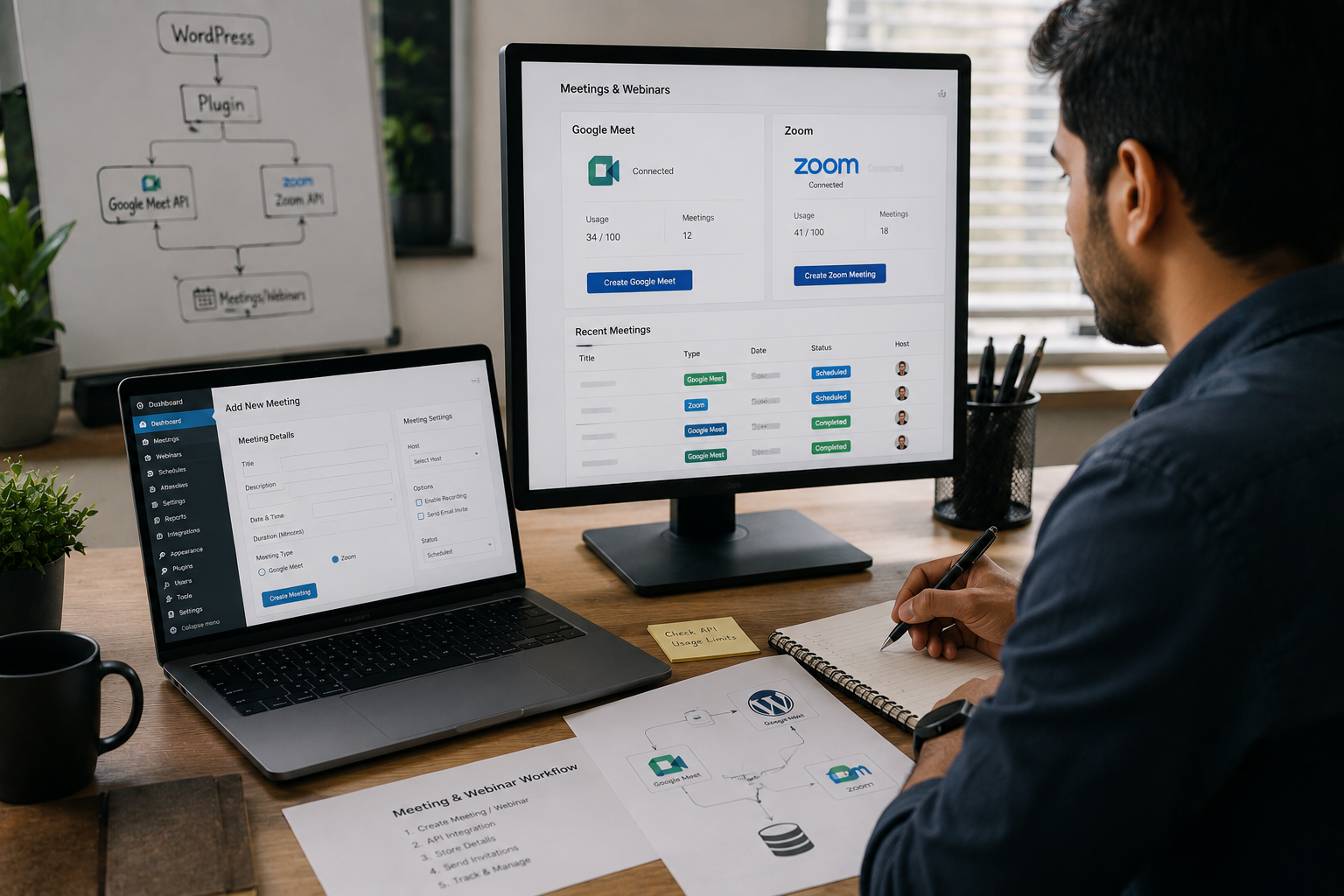
Online Education & Events
A custom plugin reduced repeated meeting setup and gave the team a cleaner webinar workflow. Built with
View Case Study
SEO & Content Intelligence
A focused ML workflow made keyword opportunities easier to compare and act on. Built with Python, Streamlit, T
View Case StudyInsights & Blogs
Practical notes on development, CMS, SEO, automation, and product workflows.
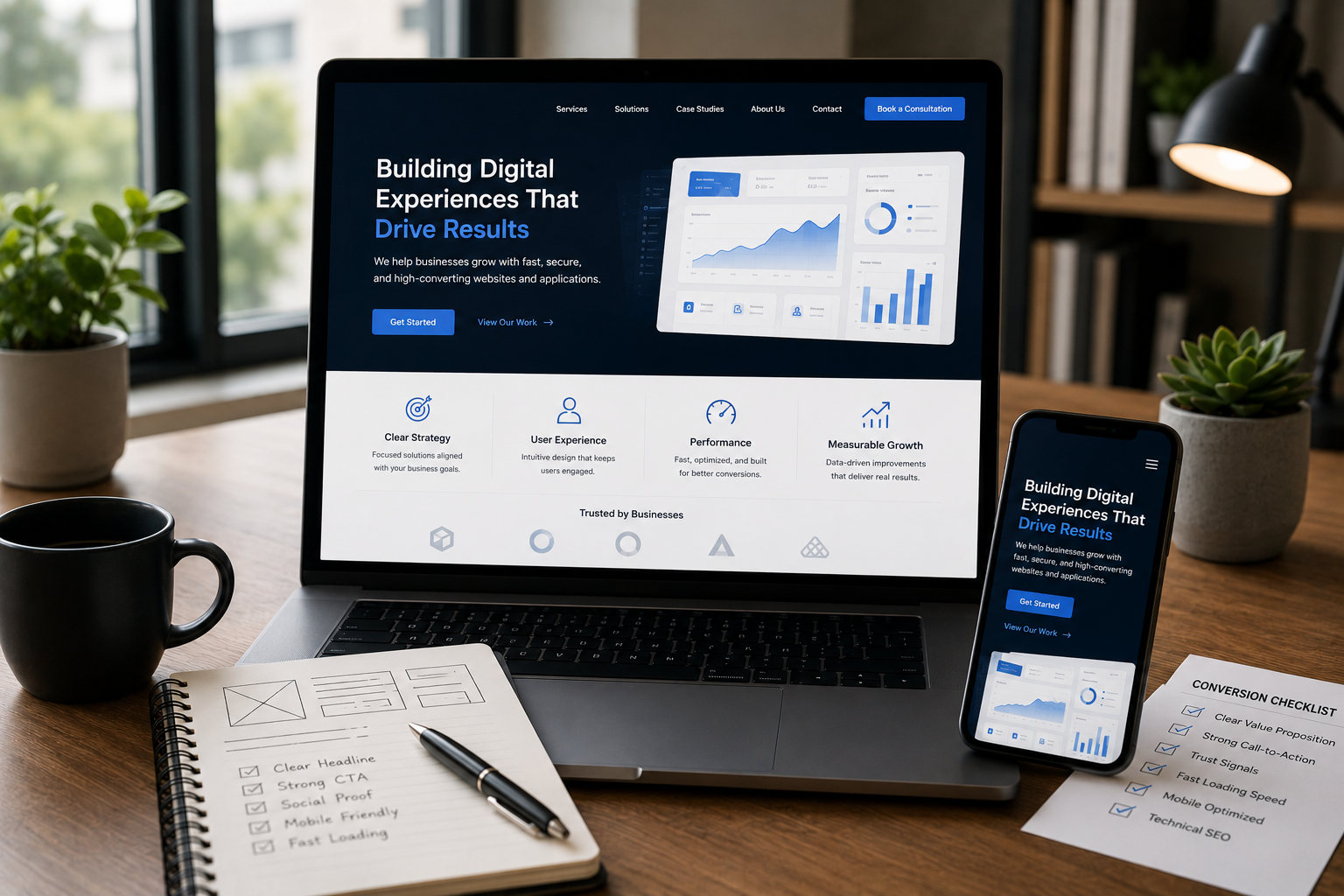
Your website looks stunning, but is it converting visitors into leads? Learn the critical design, UX, and technical SEO mistakes that silently hurt your business's revenue and trust.
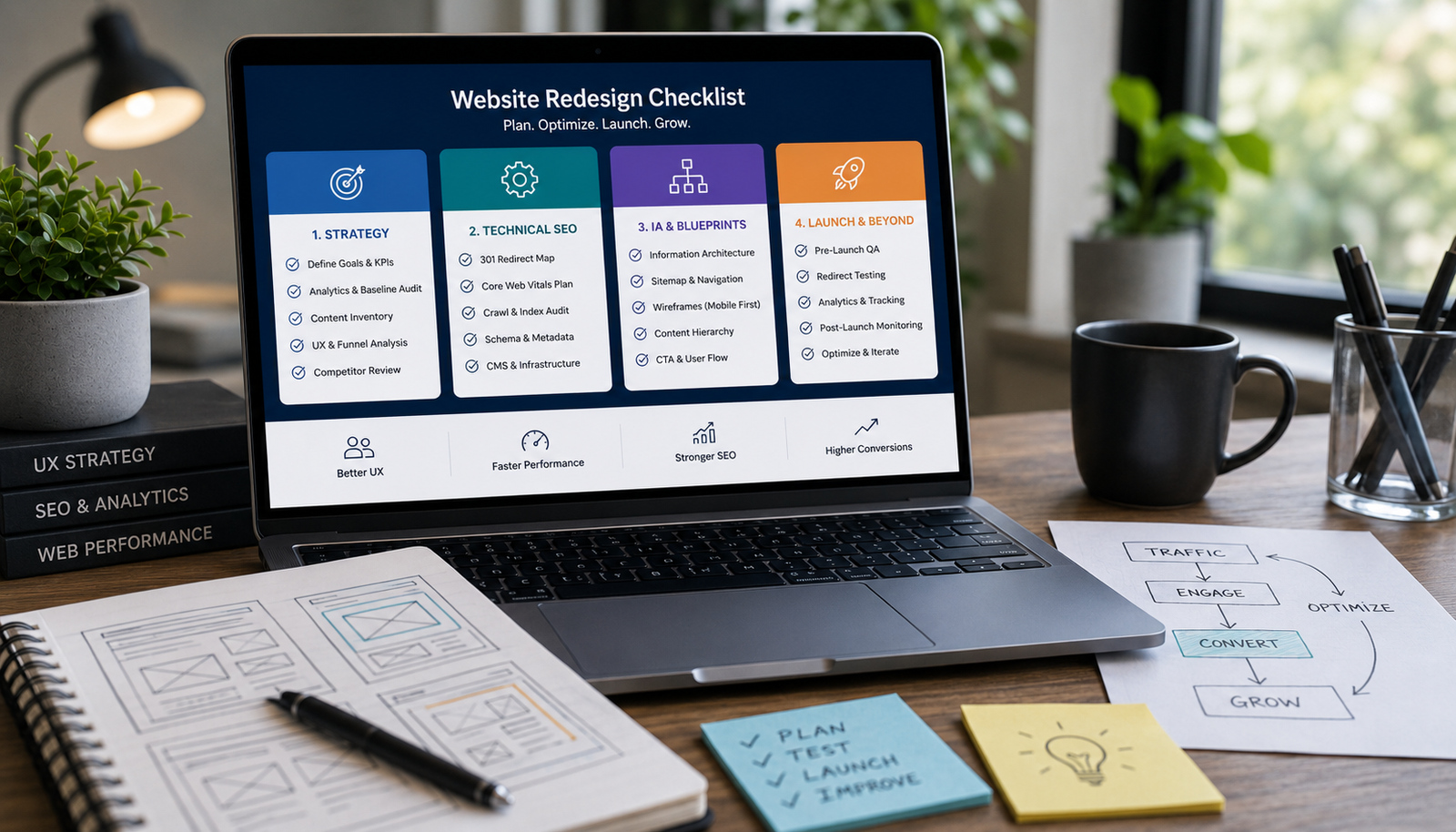
Avoid costly, risky redesigns. Use this essential 4-phase checklist covering strategic content audits, technical SEO migration, performance benchmarking, and wireframing before touching the UI.

Learn the practical steps to design a service website that looks high-end and trustworthy. Focus on strategic whitespace, clear messaging, structured layout, and conversion-focused trust signals.
FAQ
Clear answers before we start, so you can understand how the work is planned, built, and launched.
Yes. If the content workflow is straightforward, a lighter system can often be more practical than using a heavyweight CMS by default.
Yes. That is part of the planning, because content systems become frustrating when metadata and structure are treated as afterthoughts.
Both. The right option depends on editorial workflow, content complexity, team comfort, and how connected the system needs to be to the rest of the website.
Yes. In some cases, Sheets and Apps Script can be a useful operational layer for content publishing or management workflows.
That is one of the main reasons to plan the content model properly early, so the system can scale without becoming inconsistent or hard to maintain.
