Article
A WooCommerce store works better when core operations are planned before launch, not patched after customers start ordering.
Plan the WooCommerce features store owners often miss, from inventory and coupons to shipping, taxes, emails, reports, and SEO setup.
The WooCommerce Features Most Store Owners Need but Forget to Plan
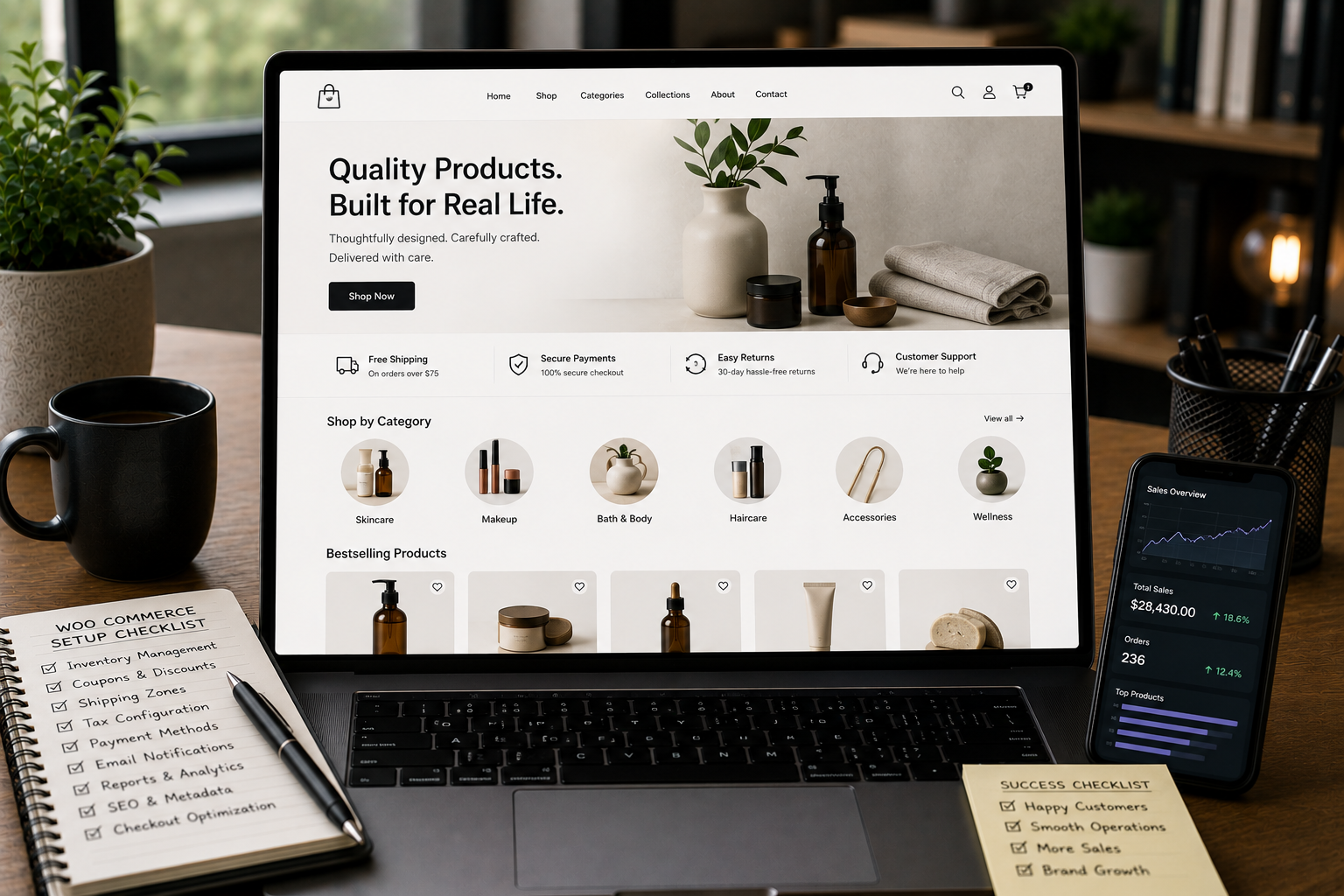
A WooCommerce store is not only a product page and a checkout button. For many business owners, the first focus is usually visual design. They want the homepage to look good, product pages to feel clear, and checkout to work. That is important, but it is only one part of the store. The real success of a WooCommerce store depends on the operational features behind the scenes. Inventory, coupons, shipping, taxes, emails, reports, payment rules, product structure, and SEO settings all affect how smoothly the store works after launch. These features may not feel exciting during the design stage, but they decide whether the store is easy to manage, easy to buy from, and easy to grow. The problem is that many store owners only think about these details after something goes wrong. A product oversells. A coupon gives too much discount. A shipping method appears for the wrong location. A tax rule is missing. A customer does not receive a useful order email. The store owner cannot understand which products are performing. Product pages go live without SEO structure. These problems are avoidable when WooCommerce is planned properly from the beginning.
Why WooCommerce Planning Matters
WooCommerce gives store owners a lot of flexibility. That is one of its biggest strengths. You can sell physical products, digital products, service packages, subscriptions, bookings, memberships, bundles, wholesale products, or custom product types. You can connect payment gateways, shipping providers, email tools, analytics platforms, SEO plugins, and automation workflows. But flexibility also creates responsibility. A simple WooCommerce setup can become messy if the store is launched without clear rules. Every setting should match how the business actually works. Before launch, a store owner should know:
- What products are being sold
- How inventory will be tracked
- Where products will be shipped
- How shipping costs will be calculated
- Whether tax needs to be shown or collected
- What payment methods customers can use
- What emails customers should receive
- What reports the business needs
- How products and categories should support SEO
- Who will manage orders after launch WooCommerce is not difficult when it is planned carefully. It becomes difficult when the structure is guessed.
1. Inventory Management
Inventory is one of the most important WooCommerce features to plan early. Many store owners add products first and think about stock later. That can work for a small test store, but it becomes risky when real customers start buying. Inventory planning answers questions like:
- Should stock be tracked in WooCommerce?
- Does each product have a fixed quantity?
- Are product variations tracked separately?
- Should customers see low stock messages?
- Can customers buy out-of-stock products?
- Should backorders be allowed?
- Who updates stock after receiving new inventory?
- What happens when a product sells offline and online?
Simple Example
A clothing store may sell one T-shirt in different sizes and colors. Each size and color combination may need its own stock count. If the store only tracks the parent product, the owner may not know which variation is actually available. A customer may order a medium black T-shirt even when only large sizes are left. That creates manual work, refunds, and customer frustration.
What to Plan
Before adding many products, decide:
- Product stock rules
- Variation stock rules
- Low stock threshold
- Out-of-stock visibility
- Backorder policy
- Stock update responsibility
- Inventory reporting needs Inventory should not be treated as a small setting. It is part of the store’s operating system.
2. Coupon and Discount Rules
Coupons are easy to create in WooCommerce, but easy does not always mean safe. A coupon without clear rules can reduce margins, confuse customers, or create checkout problems. Store owners often create discount codes quickly for a campaign, but forget to define the limits. For example:
- Can the coupon be used more than once?
- Does it apply to all products?
- Can it be combined with other coupons?
- Does it include sale items?
- Is there a minimum order value?
- Is there an expiry date?
- Is the coupon only for selected customers?
- Does free shipping apply with the coupon?
Common Coupon Mistake
A store creates a 20% discount code for one product category but forgets to restrict it. Customers apply it to all products, including already discounted items. The coupon works technically, but the business rule was not planned.
What to Plan
A better coupon setup should define:
- Discount type
- Discount amount
- Eligible products or categories
- Minimum spend
- Maximum spend if needed
- Usage limit per coupon
- Usage limit per customer
- Expiry date
- Sale item restrictions
- Free shipping behavior Coupons should support promotions without creating uncontrolled discounts.
3. Shipping Zones and Delivery Rules
Shipping is one of the most common WooCommerce setup problems. A store can look professional, but if shipping is confusing, customers may leave at checkout. WooCommerce shipping needs to match the real delivery model of the business. A store owner should decide:
- Which countries, states, or cities are served
- Which locations are excluded
- Whether shipping is flat rate, weight-based, price-based, or free
- Whether local pickup is available
- Whether express delivery is available
- Whether shipping changes by product type
- Whether fragile, heavy, or custom items need special rules
Simple Example
A brand may offer local delivery in one city, standard delivery across the country, and no international shipping. If shipping zones are not configured properly, international customers may reach checkout and see no delivery option. Or worse, they may place an order that the business cannot fulfill.
What to Plan
Before launch, plan:
- Shipping zones
- Shipping methods
- Free shipping threshold
- Local pickup rules
- Delivery time messaging
- Product-specific shipping needs
- Shipping labels and customer-facing wording Do not use vague labels like “Flat Rate” if customers will not understand what it means. Clear labels like “Standard Delivery” or “Local Pickup” are usually better.
4. Tax Settings
Tax settings are often ignored until the store receives real orders. That is risky. Tax handling depends on location, product type, business registration, and selling model. WooCommerce provides tax settings, but the business owner still needs to know what should be applied. This blog cannot decide tax rules for every business, but from a store planning perspective, the important point is simple: do not leave tax setup until the last moment.
Questions to Clarify
Before launch, confirm:
- Do products need tax?
- Should prices be entered including or excluding tax?
- Should tax be shown separately at checkout?
- Which locations need tax rules?
- Are shipping charges taxable?
- Are some products tax-exempt?
- What should appear on invoices or order emails?
Why This Matters
If tax is unclear, customers may see unexpected totals at checkout. Store owners may also find order records harder to manage later. Tax settings should be configured carefully and reviewed with the right business or accounting guidance when needed.
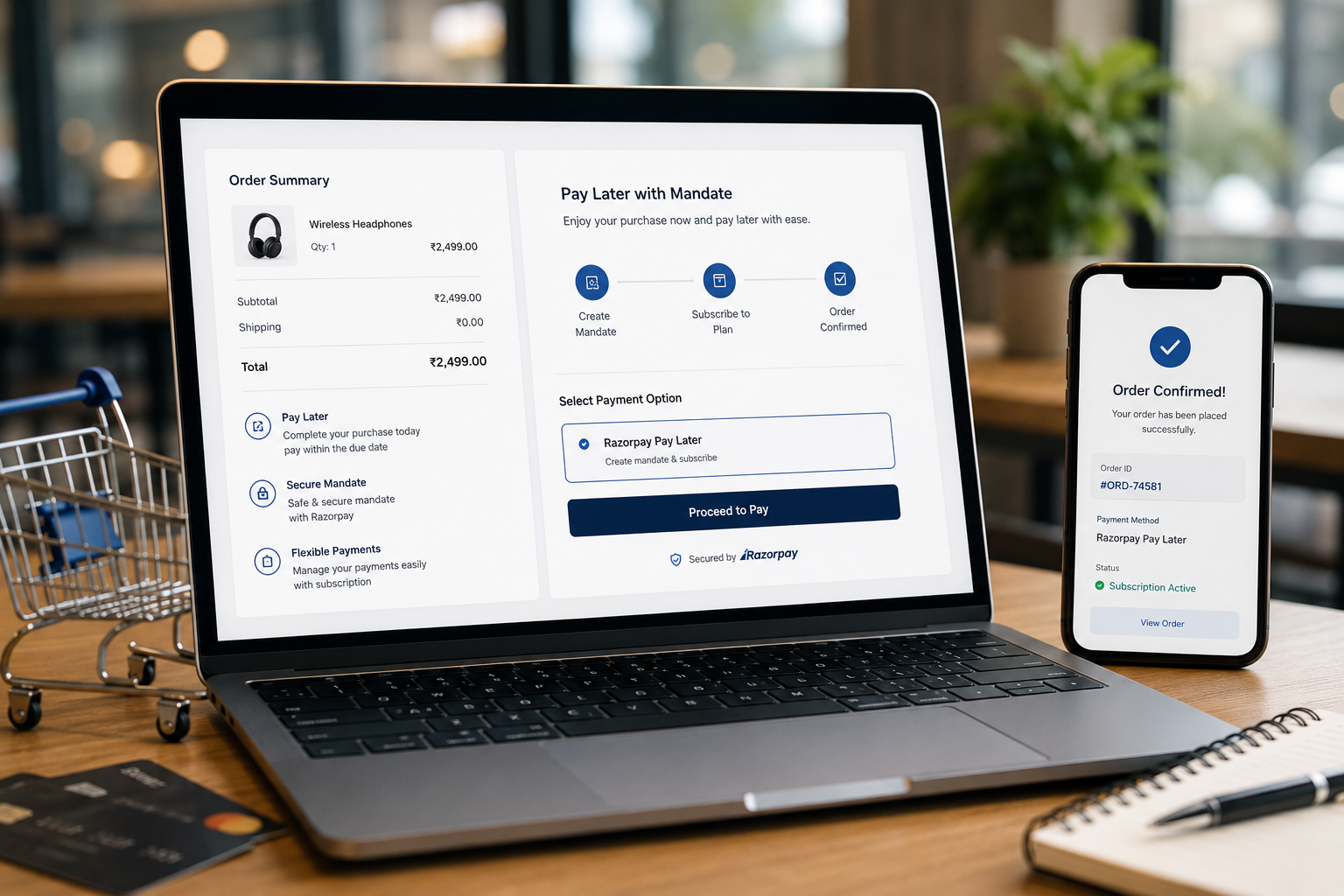
5. Payment Methods
A WooCommerce store needs payment methods that match customer expectations. Adding only one payment option may be enough for some stores, but not for all. The right setup depends on customer location, product price, trust level, and business model. Common payment planning questions include:
- Will the store accept cards?
- Is a wallet payment option needed?
- Is bank transfer needed?
- Is cash on delivery required?
- Are local payment methods important?
- Is payment collected immediately?
- Are manual approvals needed?
- What happens when payment fails?
Payment Is Also a Trust Signal
Customers may hesitate if they do not recognize the payment method or if the payment step looks different from the rest of the store. Payment labels should be clear. Failed payment messages should be useful. The order confirmation page should explain what happens next. A good payment setup feels predictable.
6. Customer and Admin Emails
WooCommerce sends different emails for order activity. Many store owners leave these emails with default content. That is a missed opportunity. Emails are part of the customer experience. They should explain what happened, what the customer should expect next, and how to get help if needed. Important WooCommerce emails may include:
- New order email
- Processing order email
- Completed order email
- Cancelled order email
- Refunded order email
- Failed order email
- Customer invoice email
- Password reset email
- Account email
What to Improve
At minimum, review:
- Email sender name
- Reply-to address
- Brand tone
- Order summary clarity
- Delivery or pickup instructions
- Support contact details
- Refund or return guidance
- Next-step messaging
Simple Example
If a store offers local pickup, the order email should not only say that the order is processing. It should explain where pickup happens, when the customer can collect, and what they need to bring. Good emails reduce support questions.
7. Reports and Store Visibility
A store owner should not need to guess what is happening inside the store. WooCommerce reports help track orders, products, customers, coupons, refunds, and revenue patterns. But reporting is only useful when the store owner knows what they need to review. Many businesses launch first and only later realize they cannot easily answer basic questions. For example:
- Which products are selling?
- Which products are not moving?
- Which coupons are being used?
- How many orders are pending?
- Which orders failed?
- Which products are low in stock?
- Which customer groups are buying?
- Which categories need improvement?
What to Plan
Before launch, decide which reports matter for daily, weekly, and monthly review. A small store may only need basic sales and order reports. A growing ecommerce brand may need product performance, coupon usage, inventory movement, and customer behavior. A service business using WooCommerce for payments may need order status, invoices, and customer records. Reports should support decisions, not just show numbers.
8. Product and Category Structure
Product structure affects both customer experience and SEO. A WooCommerce store should not add products randomly. Products should be organized in a way that helps customers browse and helps search engines understand the store. Plan:
- Product categories
- Product tags
- Product attributes
- Product variations
- Product descriptions
- Product images
- Product URLs
- Related products
- Category page content
- SEO titles and descriptions
Example
If a store sells skincare products, categories might be based on product type, skin concern, or routine step. If the structure is unclear, customers may struggle to find the right product. A clean structure also helps internal linking and product discovery.
9. Checkout Fields and Order Details
WooCommerce checkout should collect the information needed to complete the order, but not more than necessary. Default checkout fields are not always right for every business. A physical product store may need full shipping details. A digital product store may not need a shipping address. A local service payment flow may need appointment or reference details. A B2B store may need company name or tax information.
What to Plan
Review:
- Billing fields
- Shipping fields
- Phone number requirement
- Company name requirement
- Order notes
- Account creation
- Terms and conditions checkbox
- Custom fields if needed A shorter checkout is not always better. A clearer checkout is better.
10. SEO and Product Metadata
WooCommerce SEO should be planned before products go live. Many store owners add product names, prices, and images, but forget SEO fields and content structure. Important SEO areas include:
- Product page title
- Meta description
- Product slug
- Category page title
- Category description
- Image alt text
- Internal links
- Product schema basics
- Breadcrumb structure
- Canonical handling where needed SEO does not mean stuffing keywords into product pages. It means making each page clear, useful, and structured.
What to Plan
For each important product or category, ask:
- What would a customer search for?
- Is the product title clear?
- Does the description answer buying questions?
- Are images named and described properly?
- Is the category page useful?
- Are related products connected logically? A WooCommerce store should be built for both customers and search visibility.
WooCommerce Feature Planning Checklist
Before launching a WooCommerce store, review this checklist:
- Are inventory rules clear?
- Are product variations tracked correctly?
- Are coupons limited properly?
- Are shipping zones configured?
- Are delivery labels customer-friendly?
- Are tax settings reviewed?
- Are payment methods relevant to customers?
- Are failed payment messages clear?
- Are customer emails customized?
- Are admin emails going to the right person?
- Are reports useful for business decisions?
- Are products and categories organized?
- Are checkout fields appropriate?
- Are SEO titles and descriptions planned?
- Are product images optimized?
- Is the order confirmation page helpful? This checklist helps prevent small setup gaps from becoming bigger operational problems.
Decision Point: Simple Store or Structured Store?
Not every WooCommerce store needs advanced customization. A simple store may only need:
- Basic products
- Standard checkout
- One or two payment methods
- Simple shipping
- Basic tax setup
- Standard emails
- Basic reporting A structured store may need:
- Complex variations
- Custom checkout fields
- Product-specific shipping rules
- Advanced coupons
- Better email workflows
- Detailed reports
- SEO category planning
- Integrations with external tools
- Automation for order handling The right setup depends on the business model. The mistake is not starting simple. The mistake is starting unclear.
Need Help Planning Your WooCommerce Store?
If you are building or improving a WooCommerce store, the setup should match how your business actually sells, ships, discounts, reports, and grows. Through WooCommerce Development, I can help plan and build the store structure properly, including product setup, inventory rules, shipping logic, tax configuration, checkout flow, email notifications, reporting visibility, and SEO basics. The goal is to create a store that looks good and works well behind the scenes.
Final Recommendations
WooCommerce is powerful because it gives business owners flexibility. But that flexibility should be planned. Before launch, do not only ask, “Does the store look ready?” Ask:
- Can we manage inventory confidently?
- Are discounts controlled?
- Is shipping clear?
- Are tax settings correct for our needs?
- Can customers pay easily?
- Do emails explain the next steps?
- Can we understand store performance?
- Are products organized for customers and SEO?
- Is checkout collecting the right information? These questions make the difference between a store that simply launches and a store that is ready to operate. The best WooCommerce stores are not only designed well. They are planned well.
FAQ
What WooCommerce features should store owners plan before launch?
Store owners should plan inventory rules, shipping zones, tax settings, coupons, payment methods, email notifications, reporting needs, checkout fields, and SEO structure before launch. These features affect how the store works after customers start placing orders. Planning them early reduces confusion, support issues, and manual cleanup later.
Why is inventory planning important in WooCommerce?
Inventory planning helps prevent overselling, unclear stock status, manual order confusion, and poor customer experience when products are unavailable or limited. This is especially important for stores with product variations, limited stock, offline sales, seasonal products, or supplier-based fulfillment.
Should WooCommerce coupons be planned before promotions start?
Yes. Coupon rules should be planned early so discounts have clear limits, usage conditions, expiry dates, product restrictions, and margin protection. Without clear rules, a coupon may apply to the wrong products, combine with other discounts, or stay active longer than intended.
Do WooCommerce shipping and tax settings affect customer trust?
Yes. If shipping costs, delivery options, tax amounts, or final totals appear unclear, customers may hesitate before completing checkout. Clear shipping labels, accurate tax display, and predictable final totals help customers feel more confident during checkout.
What reports should a WooCommerce store owner review?
Store owners should review sales, orders, refunds, coupons, products, customers, inventory, payment status, and fulfillment-related reports based on their business model. The most useful reports are the ones connected to real decisions, such as what to restock, which coupons are working, and which products need better promotion.
Can WooCommerce features be improved after launch?
Yes, but it is usually safer to plan core features before launch because late changes can affect orders, checkout, customer emails, reporting, and store operations. Post-launch improvements are normal, but inventory, shipping, tax, payment, and email basics should be stable before real customers start buying.