Audit the current setup
Review themes, plugins, hosting, data and the workflow that needs to change.
WordPress
WordPress engineering beyond themes and standard plugins.
I build custom WordPress and WooCommerce functionality when an off-the-shelf setup cannot support your workflow. This includes custom plugins, content systems, admin tools, third-party integrations, performance work and carefully planned migrations, with editing experiences your team can manage.

Expected outcomes
Custom functionality without a fragile plugin stack
An editing experience your team can manage
A more reliable and maintainable WordPress system

CMS Strategy
Clear scope, reviewable milestones and practical validation at each stage.
Review themes, plugins, hosting, data and the workflow that needs to change.
Define content structures, plugin boundaries and compatibility requirements.
Build the required features with attention to WordPress conventions and administrative usability.
Check publishing, purchases, integrations and migration steps on staging before production release.
CMS Benefits
Custom WordPress and WooCommerce systems for requirements that themes and standard plugins cannot solve.
Custom plugins and themes. WooCommerce business logic.
Custom CMS and content workflows. Admin dashboards and tools.
API integrations. Performance audits and migrations.
WordPress Stack
The stack is selected around your workflow, existing systems and operating constraints.
WordPress
WooCommerce
PHP
JavaScript
MySQL
REST APIs
Git
Google Analytics

Strategic case studies
Anonymous case studies that show the systems, workflows, and full-stack implementation thinking behind real project work.
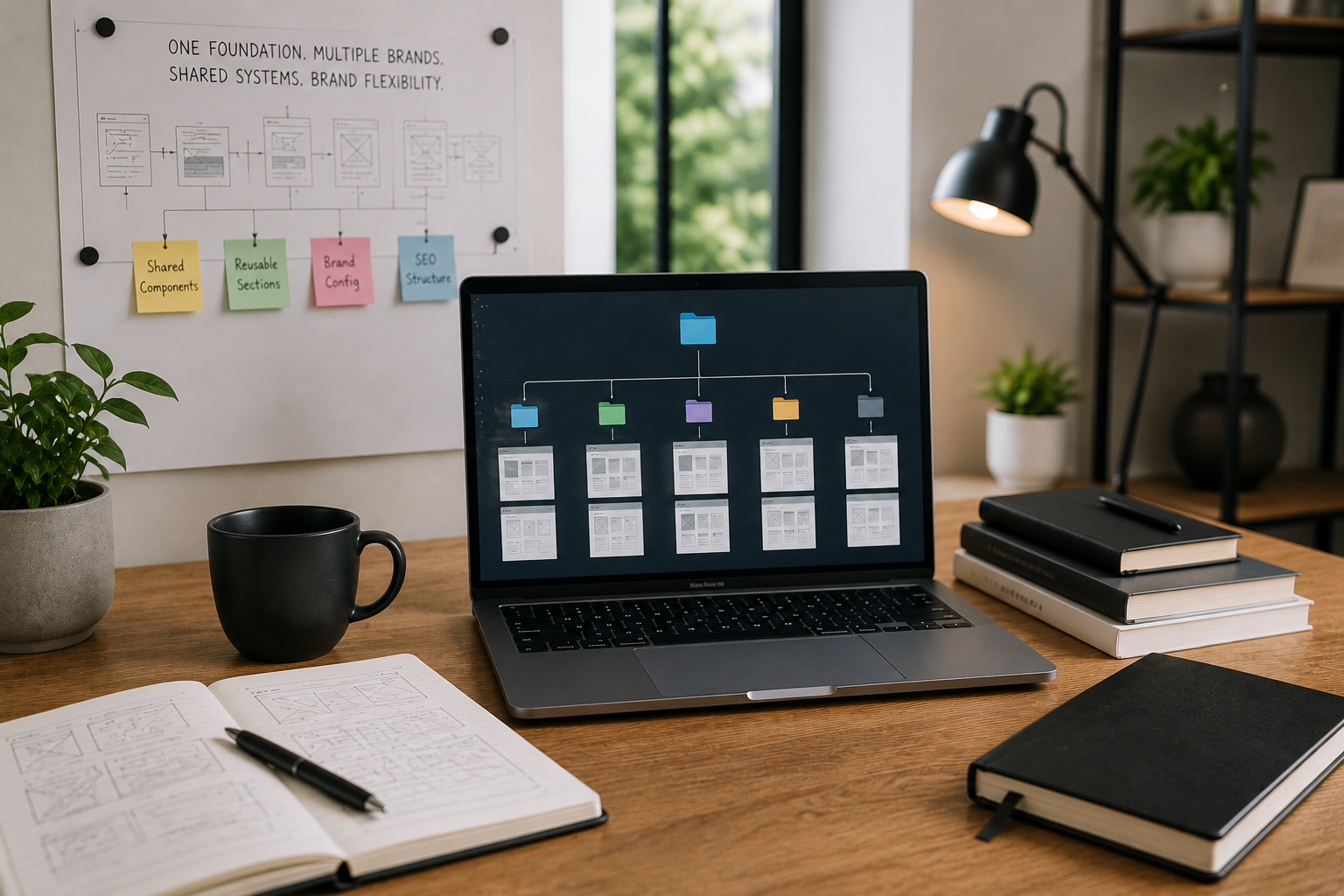
Multi-Brand Business Operations
A reusable frontend foundation reduced repeated build work while keeping each brand experience flexible.

Finance & Billing Software
A connected billing platform made finance activity easier to track, review, and manage.
View Case Study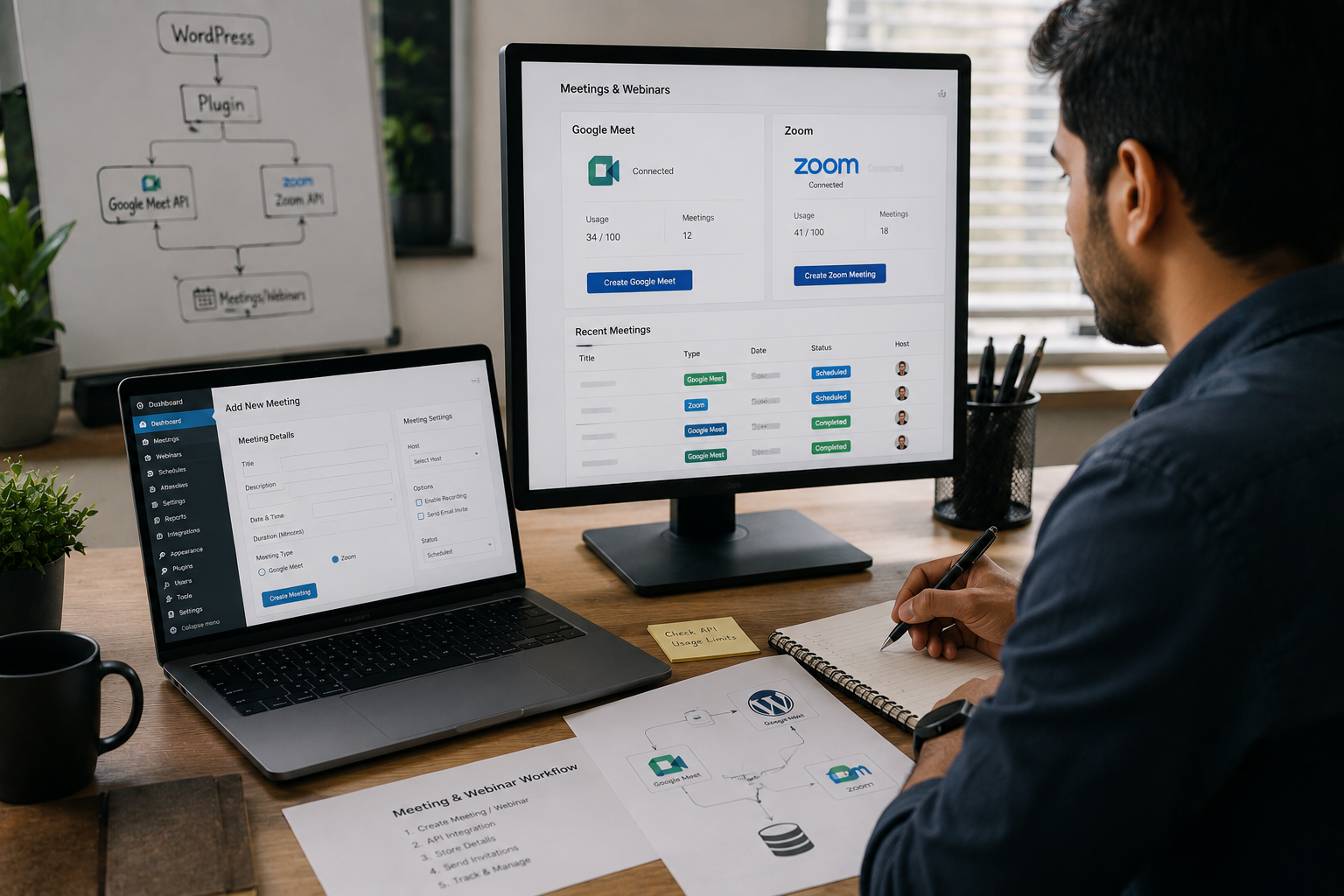
Online Education & Events
A custom plugin reduced repeated meeting setup and gave the team a cleaner webinar workflow.
View Case Study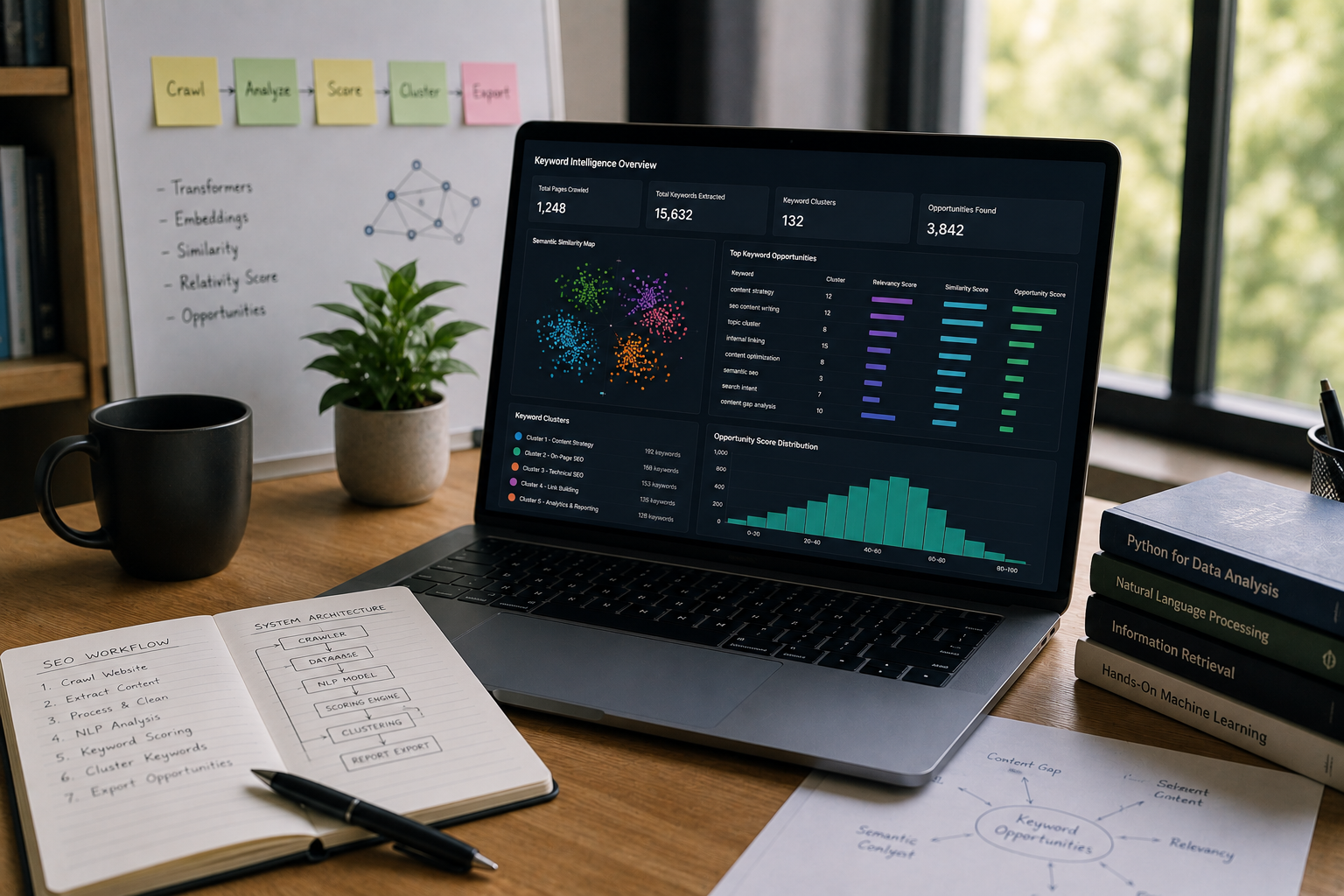
SEO & Content Intelligence
A focused ML workflow made keyword opportunities easier to compare and act on.
View Case StudyInsights & Blogs
Practical notes on development, CMS, SEO, automation, and product workflows.
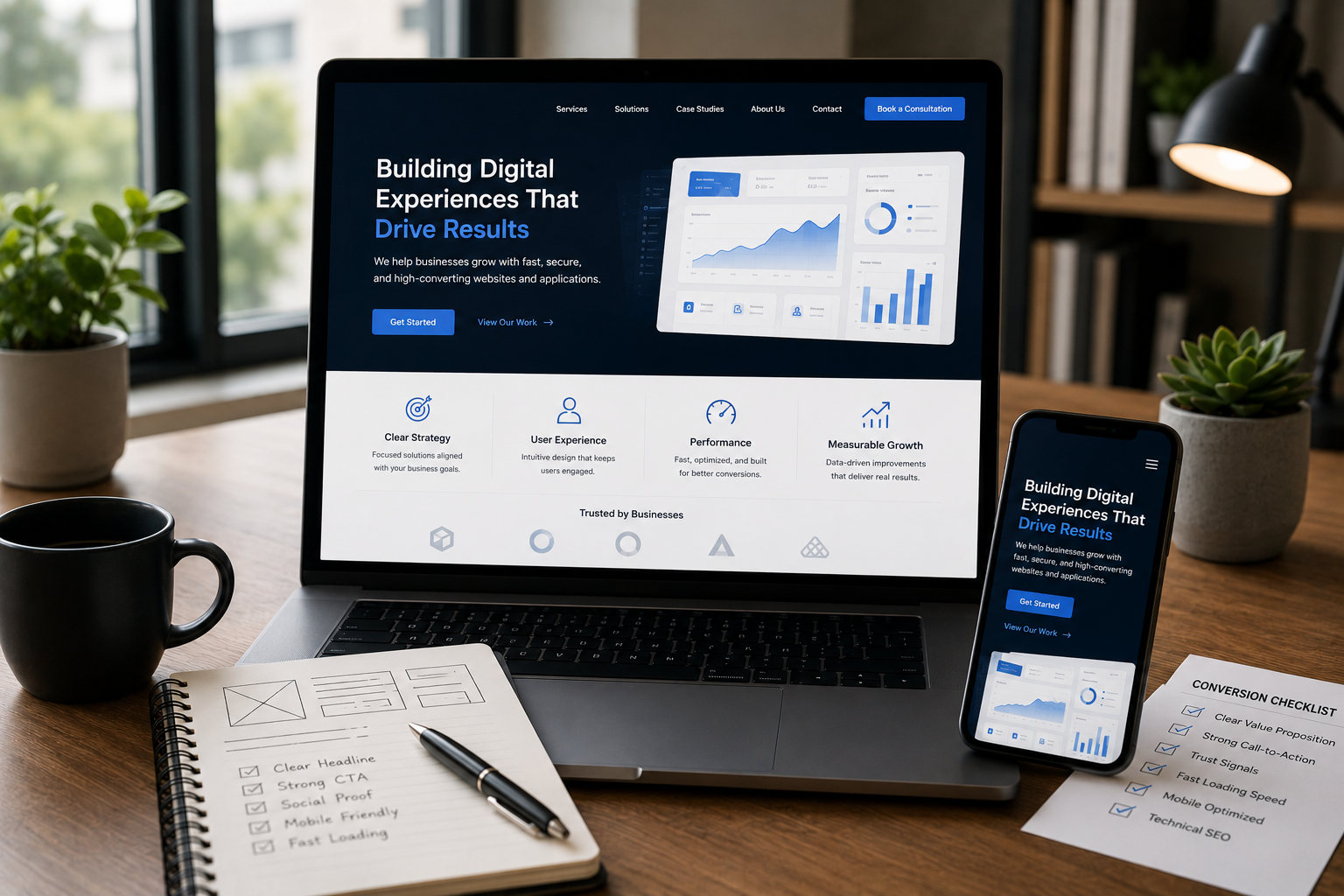
Your website looks stunning, but is it converting visitors into leads? Learn the critical design, UX, and technical SEO mistakes that silently hurt your business's revenue and trust.
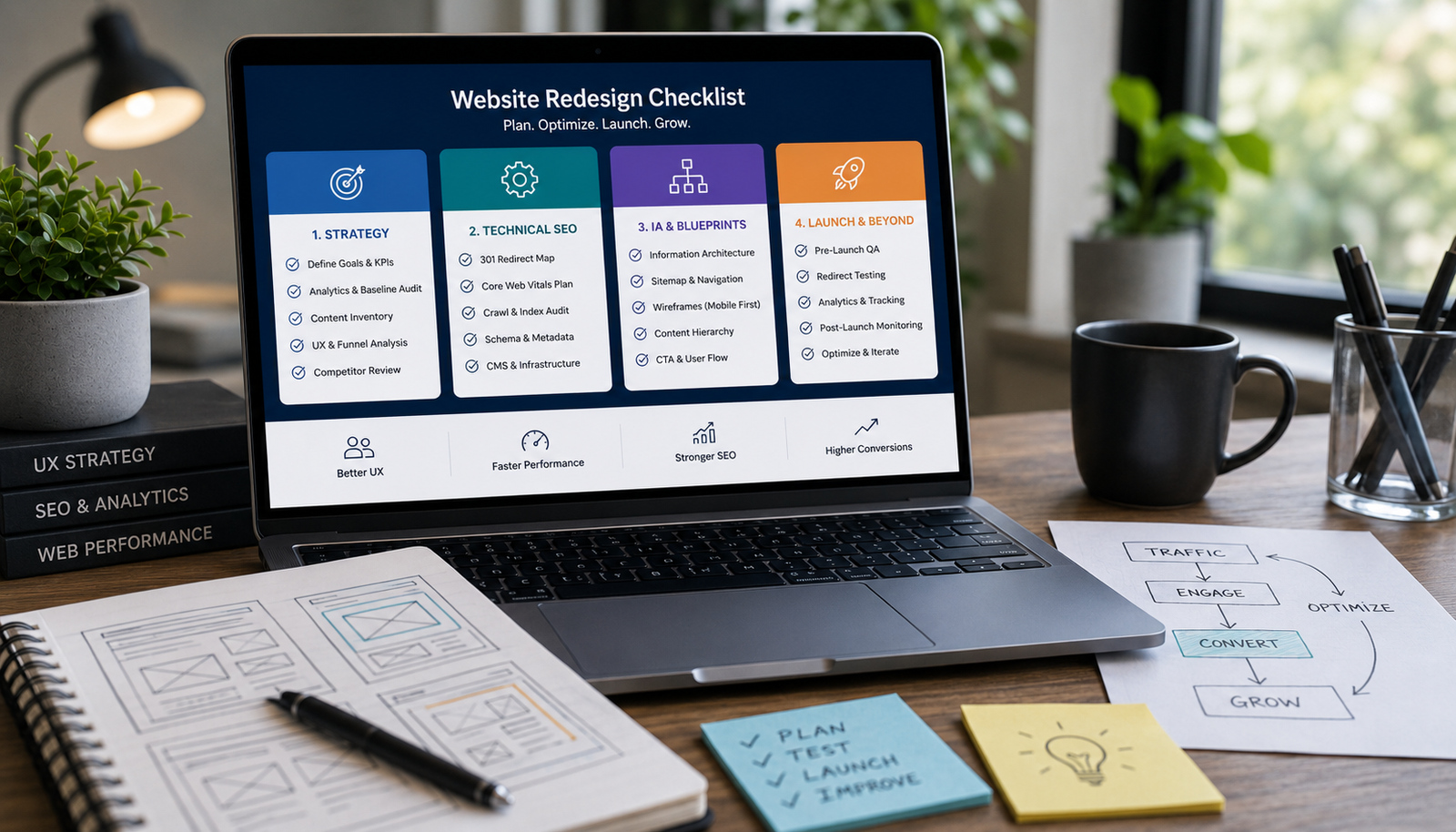
Avoid costly, risky redesigns. Use this essential 4-phase checklist covering strategic content audits, technical SEO migration, performance benchmarking, and wireframing before touching the UI.
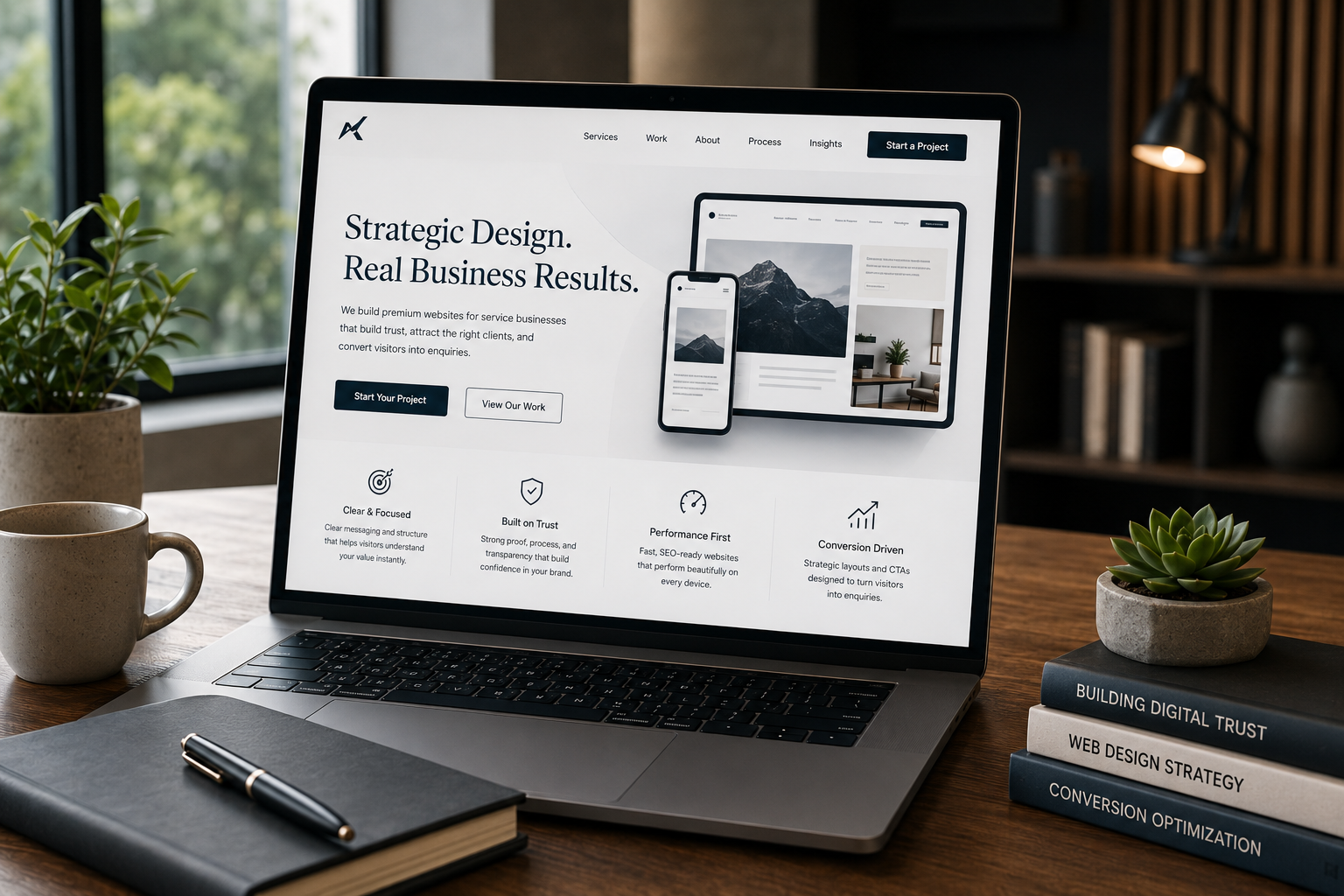
Learn the practical steps to design a service website that looks high-end and trustworthy. Focus on strategic whitespace, clear messaging, structured layout, and conversion-focused trust signals.
FAQ
Clear answers before we start, so you can understand how the work is planned, built, and launched.
Yes. Plugins can handle business rules, admin tools, external integrations and features that existing plugins do not support.
The content model and admin experience are designed around what your team needs to manage without changing application code.
Yes. Changes are planned with backups, a staging environment and a release checklist to reduce disruption.